


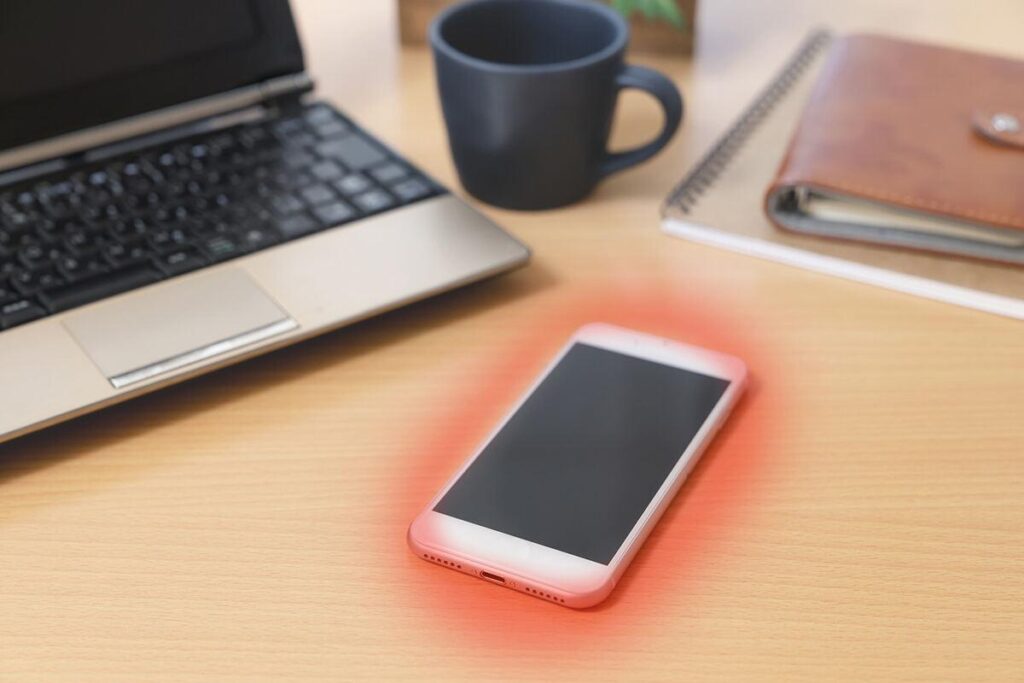
Smartphones handle many demanding tasks every day, from video calls and gaming to navigation, streaming, and fast charging. These activities use the phone’s processor, battery, screen, and wireless connections, all of which can generate heat.
A phone becoming slightly warm does not automatically mean something is wrong. However, if it regularly becomes uncomfortably hot, loses battery quickly, slows down, or stops charging, it is worth investigating the cause.
Why Does Your Phone Get Hot?
1. Demanding Apps and Games
Mobile games, video editors, camera apps, and other demanding applications require considerable processing power. The processor works harder during these activities and produces heat.
Recording high-resolution video, using augmented reality features, or playing games for long periods can increase the temperature further. This is especially noticeable when several demanding tasks run together.
2. Charging and Fast Charging
Phones can become warm while charging because electrical energy is not converted into stored battery energy with perfect efficiency. Fast charging and wireless charging can generate additional heat.
Some warmth is expected, but a phone that becomes extremely hot while charging should not be ignored. Damaged cables, incompatible accessories, or debris in the charging port can also contribute to problems.
3. Direct Sunlight and Hot Environments
A phone exposed to direct sunlight can heat up even when you are not using it heavily. Leaving it on a sunny windowsill, outdoors in hot weather, or inside a parked car can raise its temperature quickly.
Heat becomes harder to manage when the phone is also running navigation, recording video, or using mobile data. Prolonged exposure to high temperatures can also affect battery health.
4. Weak Mobile Signal and Hotspot Use
When cellular reception is poor, a phone may use more power trying to maintain a connection. Mobile hotspots can also create extra heat because the phone is sharing its internet connection while managing other activities.
If your phone becomes hot during travel, in underground areas, or in places with weak reception, connectivity could be part of the reason.
5. Background Apps and Software Problems
Some apps continue working when you are not actively using them. They may sync files, update content, track location, or upload data in the background.
A software bug or an app that repeatedly crashes can also keep the processor busy. If the phone becomes hot during light use, check battery usage and consider whether the problem started after installing an app or updating the operating system.
6. New Phone Setup and Software Updates
A new phone may become warm while downloading apps, restoring a backup, transferring files, or organising data. Major software updates can also temporarily increase activity.
This type of warmth should generally decrease after the process finishes. If the phone remains unusually hot for a long time, investigate further.
How to Cool Down an Overheating Phone
If your phone feels uncomfortably hot, stop demanding activities and follow these steps.
- Stop using demanding apps. Pause gaming, video recording, navigation, and other intensive tasks.
- Disconnect the charger if it is charging. If the device feels excessively hot, unplug it and allow it to cool.
- Move it away from heat. Place it in a shaded, well-ventilated area at a comfortable room temperature.
- Remove the case if it is trapping heat. This may help the phone release heat more easily.
- Reduce screen brightness. A bright display uses additional power.
- Close unusually demanding apps. Check battery usage to identify apps consuming excessive energy.
- Restart the phone if the problem continues during light use. This can help resolve temporary software issues.
Allow the phone to cool naturally before charging or using it heavily again. Do not put it in a refrigerator or freezer, or use ice or water to cool it quickly. Sudden temperature changes and condensation can damage electronics.
How to Prevent Your Phone From Overheating
A few everyday habits can reduce unnecessary heat.
- Avoid leaving your phone in direct sunlight or inside a hot car.
- Use a compatible, reputable charger and an undamaged cable.
- Avoid long gaming sessions while charging if the phone becomes excessively warm.
- Keep your operating system and apps updated.
- Review battery usage and remove apps that repeatedly cause unusual activity.
- Lower screen brightness when maximum brightness is unnecessary.
- Turn off hotspot, GPS, Bluetooth, or other connections when you do not need them.
- Avoid covering the phone with bedding or placing it somewhere that traps heat.
You do not need to disable every feature or close every app constantly. Focus on the activities that make your specific phone unusually warm.
Is a Hot Phone Dangerous?
A warm phone during gaming or charging is not necessarily a safety concern. Modern smartphones can reduce performance, dim the display, pause charging, or display a temperature warning when they become too hot. These measures help protect the device.
However, take the following signs seriously:
- The phone becomes extremely hot during simple tasks or while idle.
- A temperature warning appears repeatedly.
- Charging stops unexpectedly because of heat.
- The phone shuts down or becomes unusually slow.
- The battery or phone body appears swollen.
- You notice a burning smell, smoke, or unusual sounds.
If the battery appears swollen, or the device produces smoke or a burning smell, stop using and charging it. Keep away from the device if it appears unsafe and seek professional assistance. Do not press, puncture, or attempt to repair a swollen battery yourself.
If repeated overheating continues after basic troubleshooting, contact the manufacturer’s support team or an authorised repair service. A persistent problem may require a battery, charging port, or software inspection.
Final Thoughts
A smartphone can become warm because of demanding apps, charging, poor reception, background activity, or hot surroundings. The key is to recognise the difference between temporary warmth and persistent overheating.
Stop intensive use when the phone becomes uncomfortably hot, let it cool naturally, and check for unusual battery or app activity. If the problem keeps returning or you notice signs of battery damage, seek professional help rather than continuing to use the device.
A few simple habits can help your phone run more comfortably and protect its battery over time.